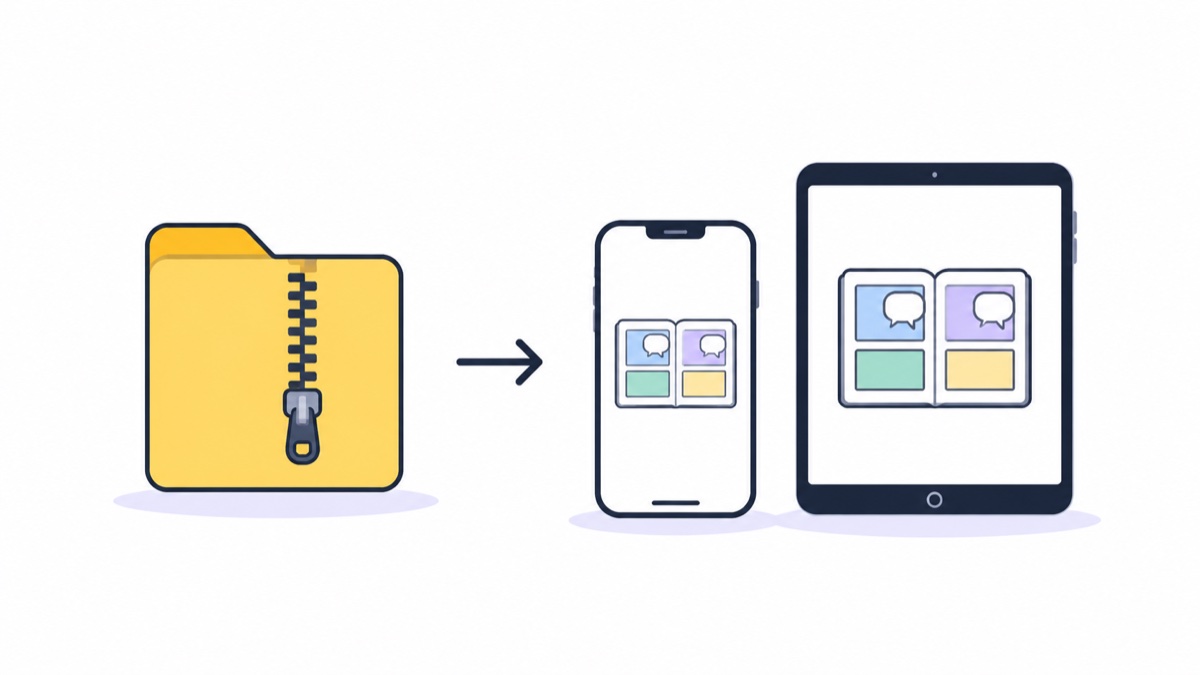
How to Read 123 Cloud Drive Manga on iPad/iPhone? Direct Read Mount Tutorial (2026)
Read 123 Cloud Drive manga archives directly on iOS without downloading, stream reading after mounting
Deep insights into manga reading experience and the design and technology behind Manga Capsule.
Read 123 Cloud Drive manga archives directly on iOS without downloading, stream reading after mounting
Read ZIP/CBZ/PDF manga from Aliyun Drive directly on iOS with streaming, no download needed, no storage space used
Manga on Baidu Netdisk can be read directly via streaming after login and authorization—no need to download to local, just open ZIP/CBZ/PDF
What is CBZ/CBR, why iOS built-in apps can't open them, how to read correctly on iPhone and iPad
MOBI/AZW3 manga doesn't need conversion — read directly on iOS; a complete guide on exporting books from Kindle devices
Komga has no official iOS client, but through OPDS or directly mounting a NAS directory, iPad can still stream read your Komga library
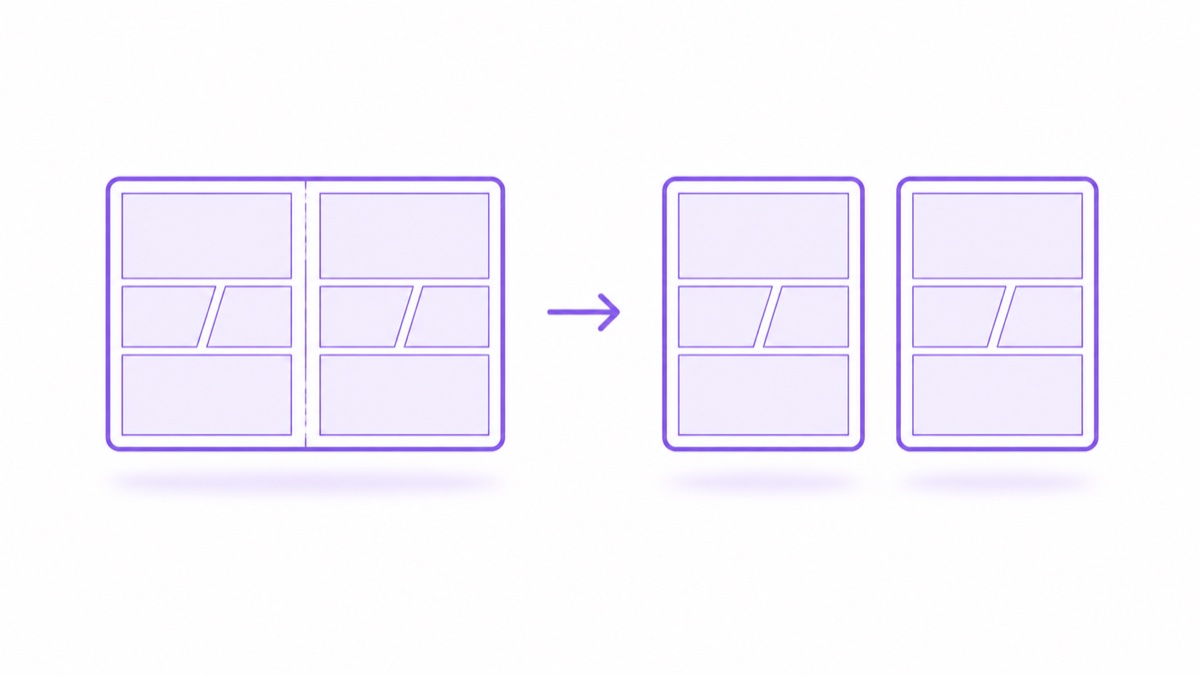
One article covers both directions: splitting double-page scans into single pages and automatically merging double-page spreads
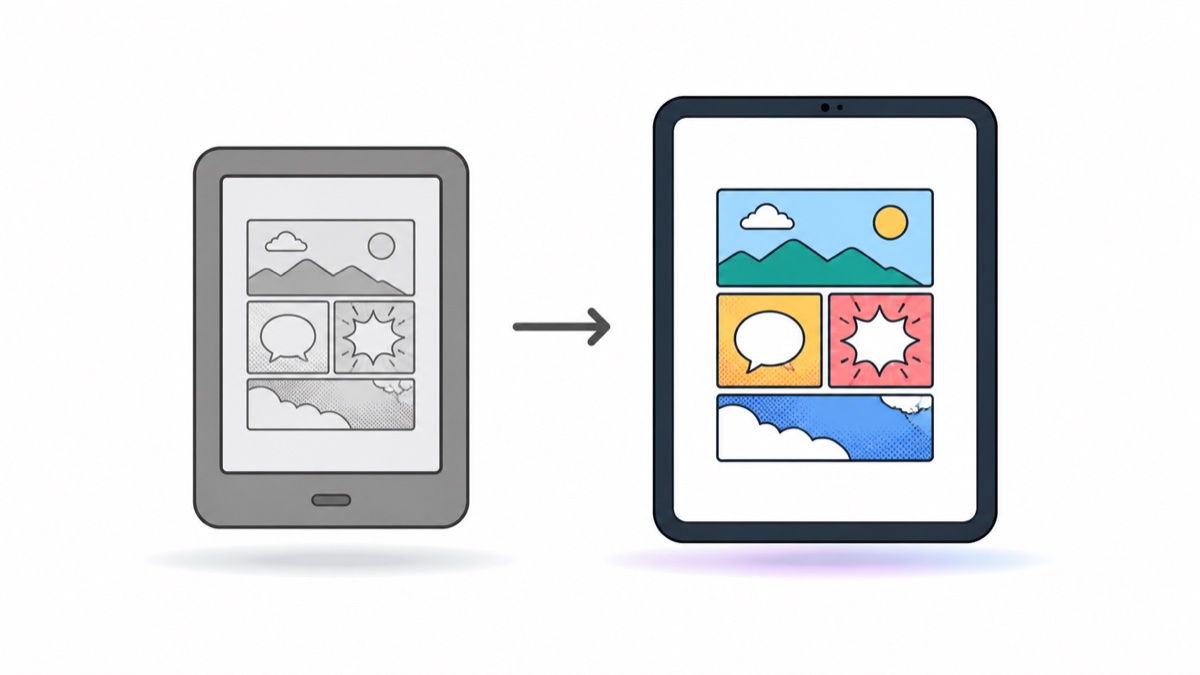
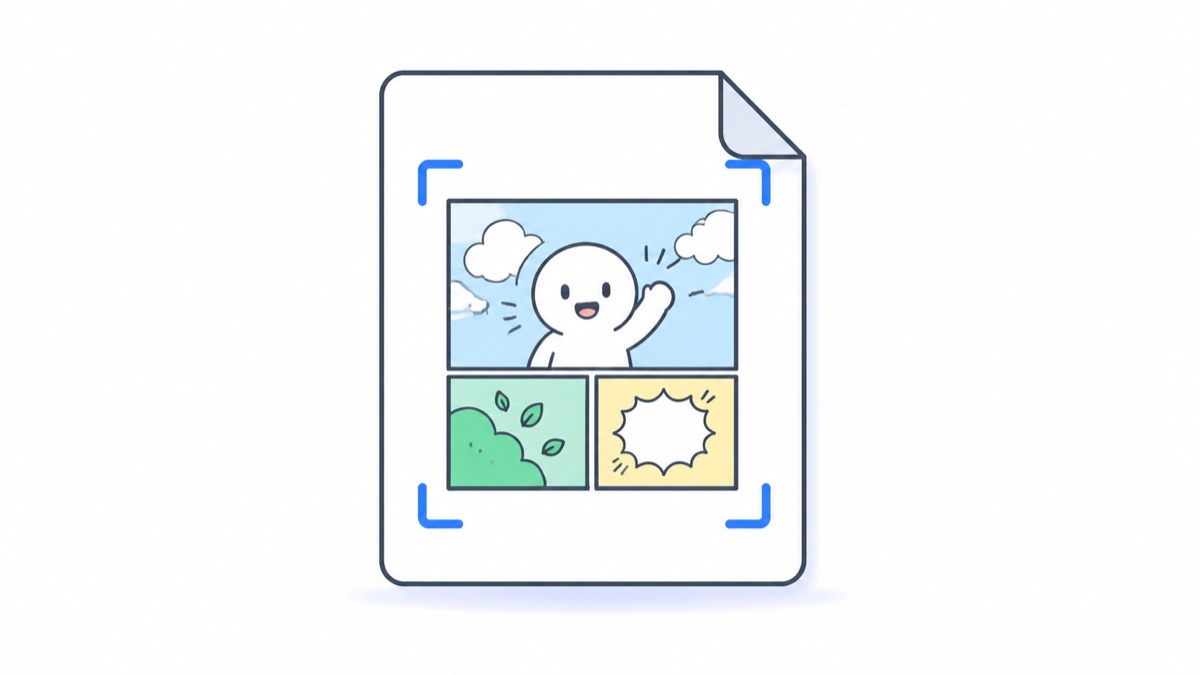
White borders on scanned PDF comics can be automatically cropped, enlarging the display without manual zooming
iOS doesn't have Tachiyomi/Mihon, and online source apps don't work in the iOS ecosystem either — local library + streaming direct read is a more stable long-term solution
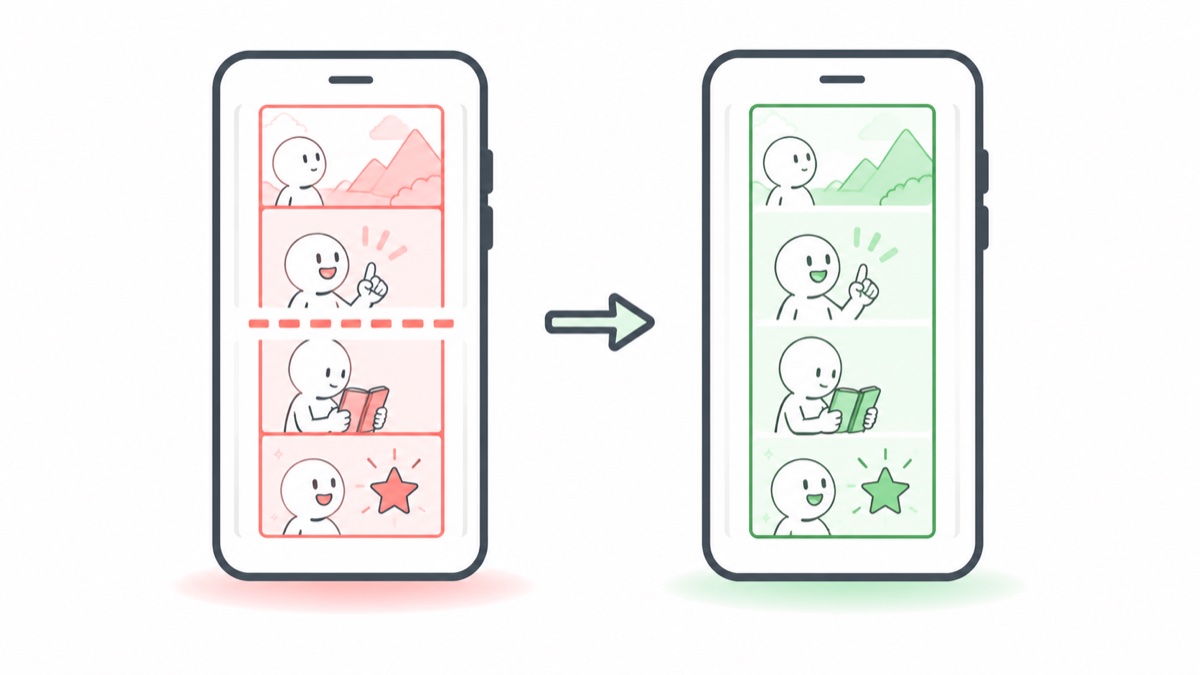
The white gaps and disjointed feeling between webtoon slices can be completely solved: auto-detect webtoons + seamless stitching rendering
Three new features: 123 Cloud Drive support, eye control page turning, and save images as book. Plus three bug fixes.
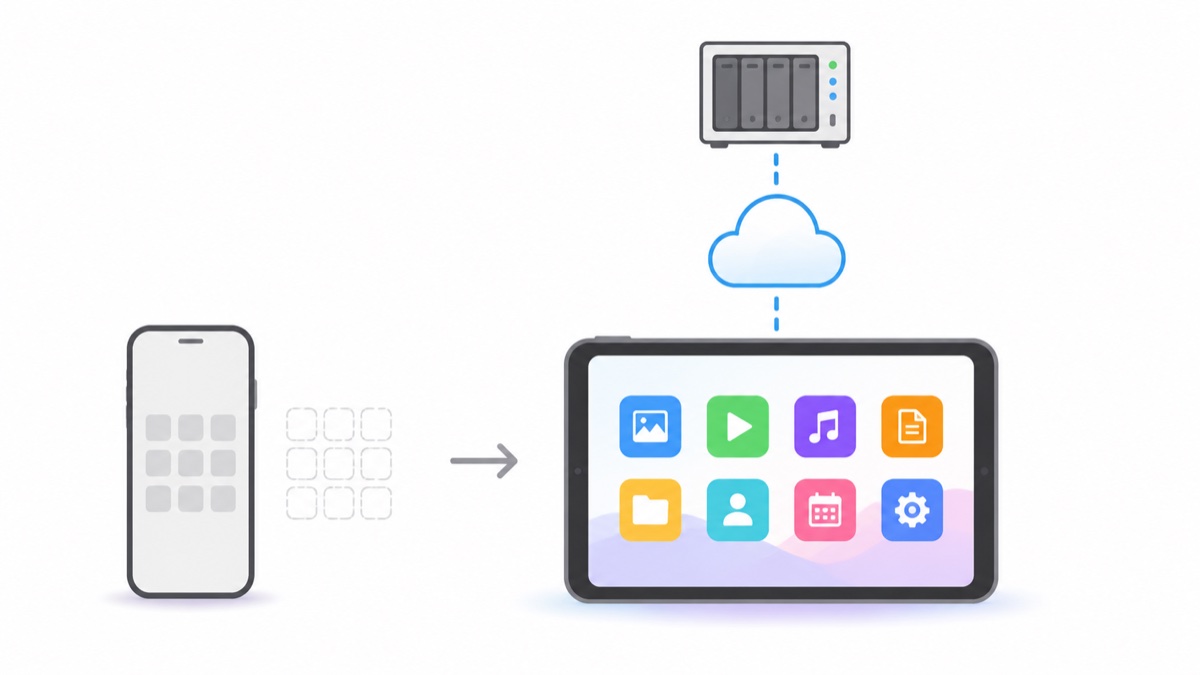
Running out of phone storage, files scattered everywhere, data security concerns — a single NAS can solve all of this
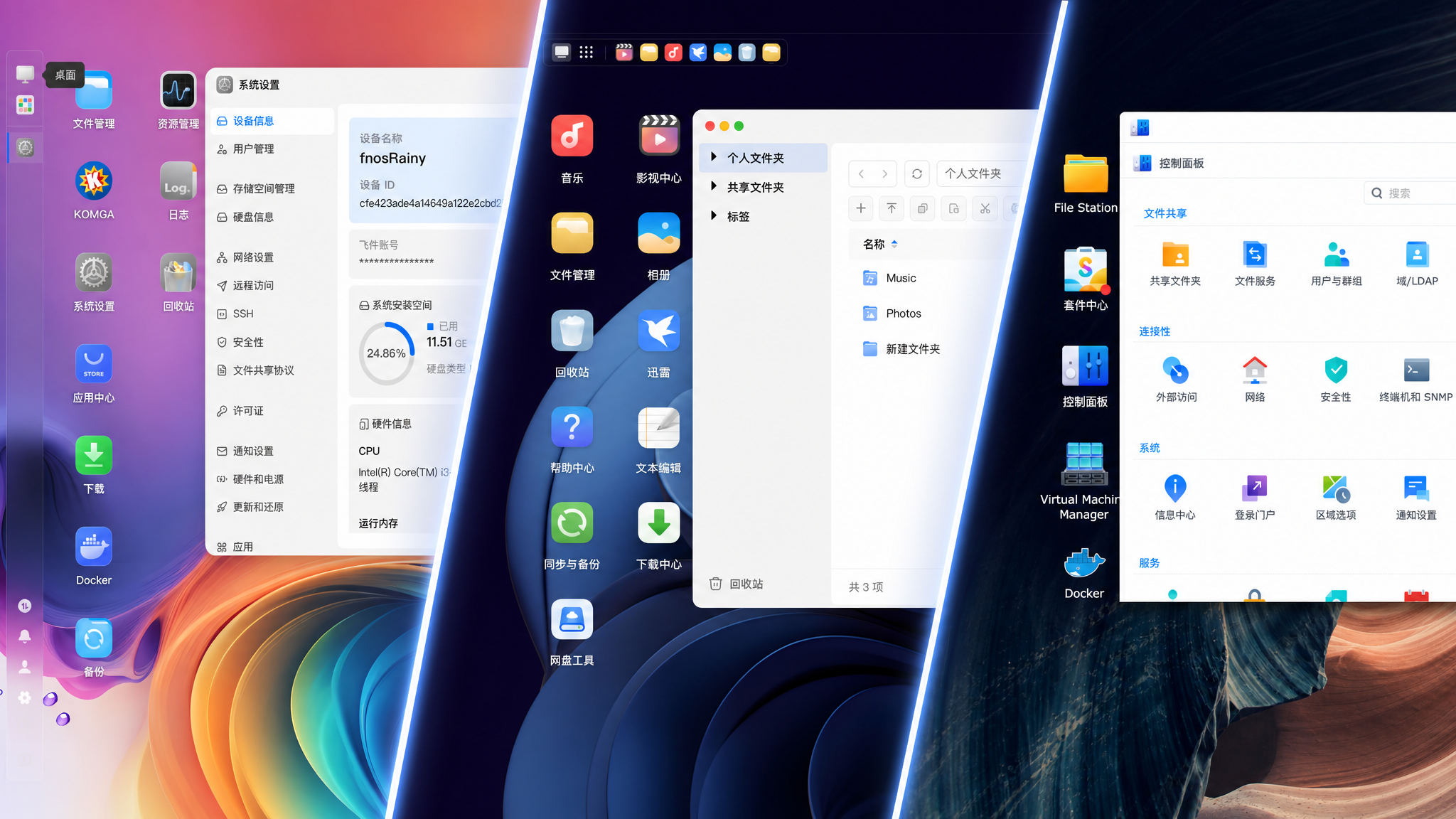
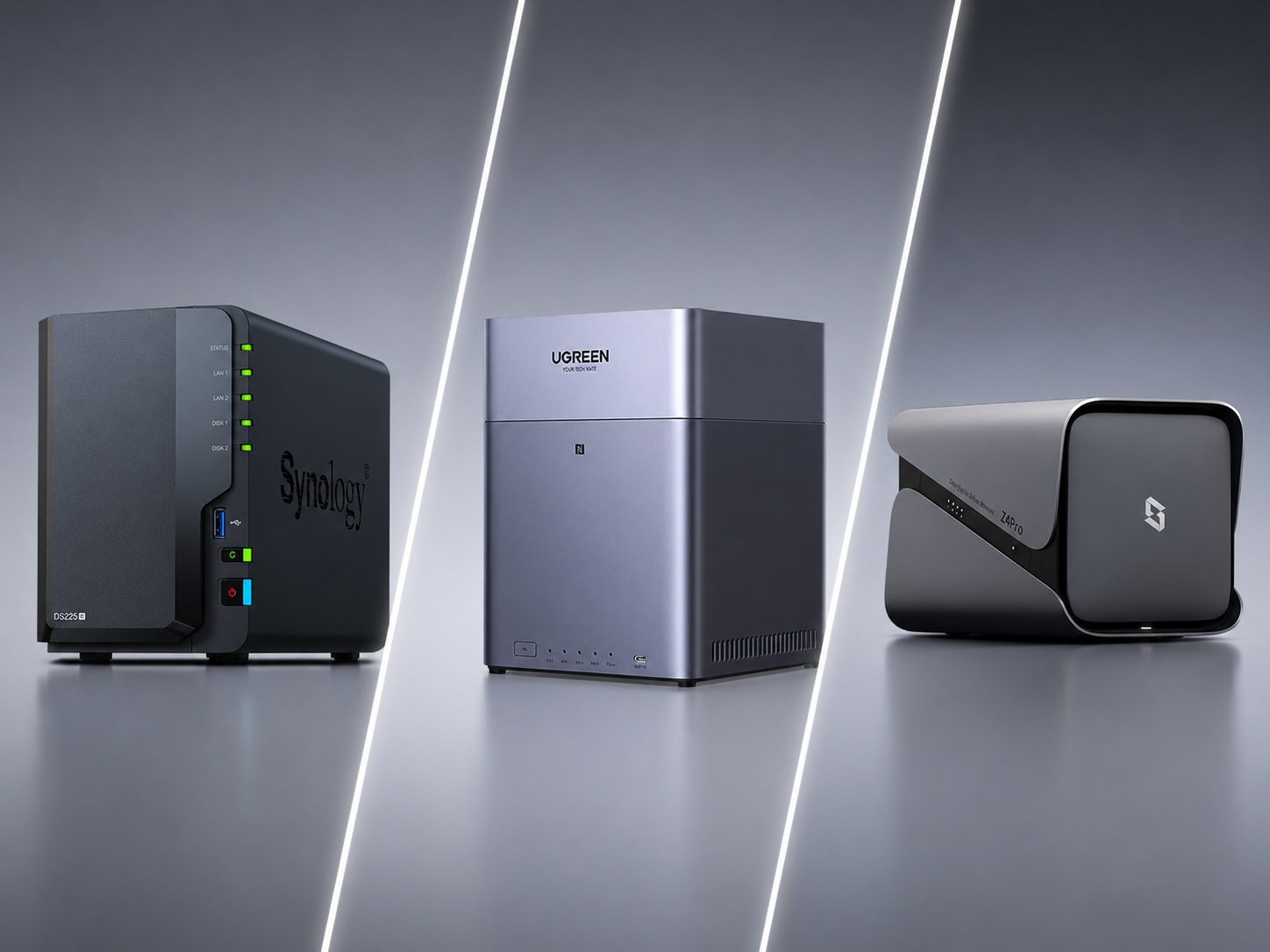
Synology, fnOS, QNAP, and UGREEN — Everything you need to know about choosing a NAS system in 2026
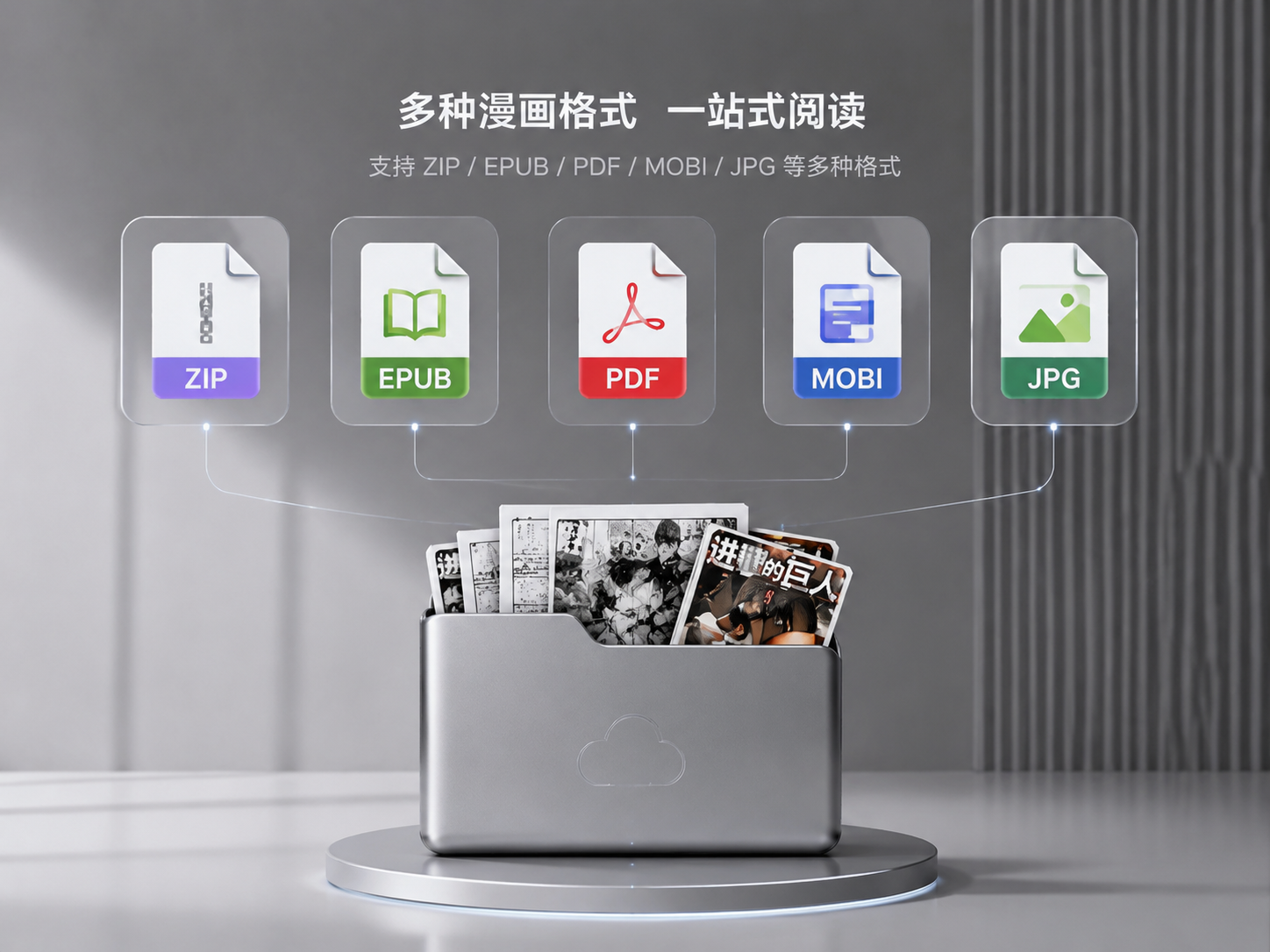
EPUB, ZIP, PDF, MOBI — the same manga comes in so many formats, which one should you download?
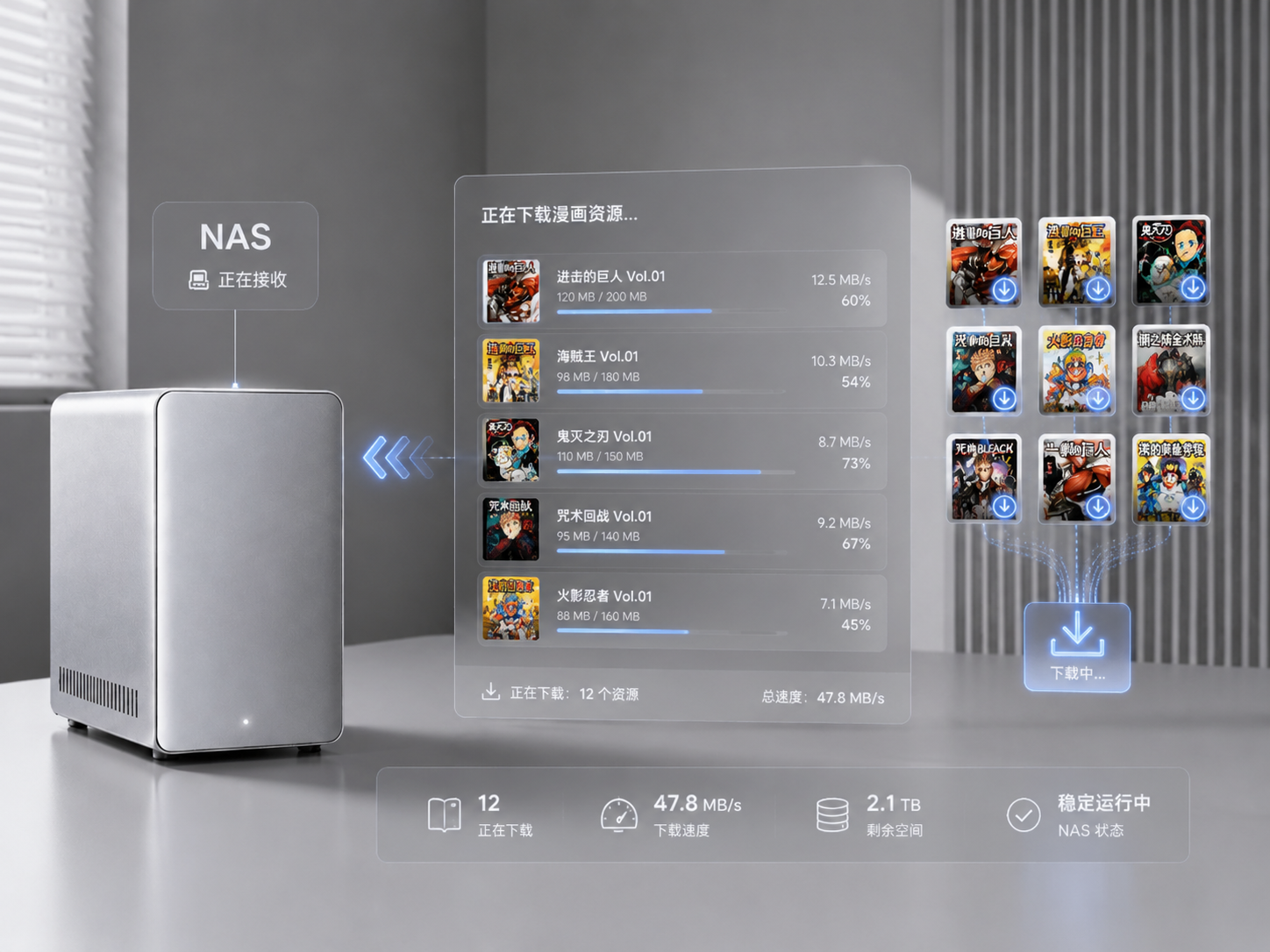
From Kmoe to CiYuanDog, from Tieba to Xianyu — A Complete Guide to Manga Resource Download Channels
Insufficient storage, cumbersome multi-device sync, disorganized management—NAS isn't just a geek's toy, but the ultimate solution for manga enthusiasts
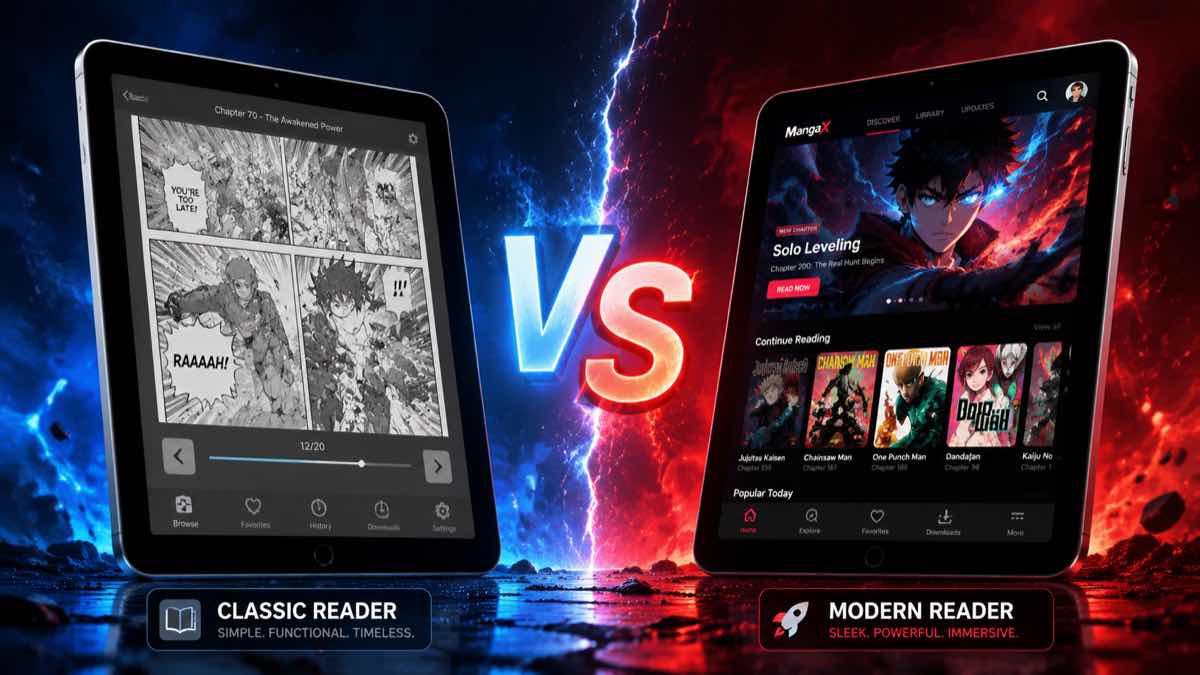
What's the best reader for PDF webtoons on iOS? Comparing Manga Capsule, Keda Manga, Panels, and more
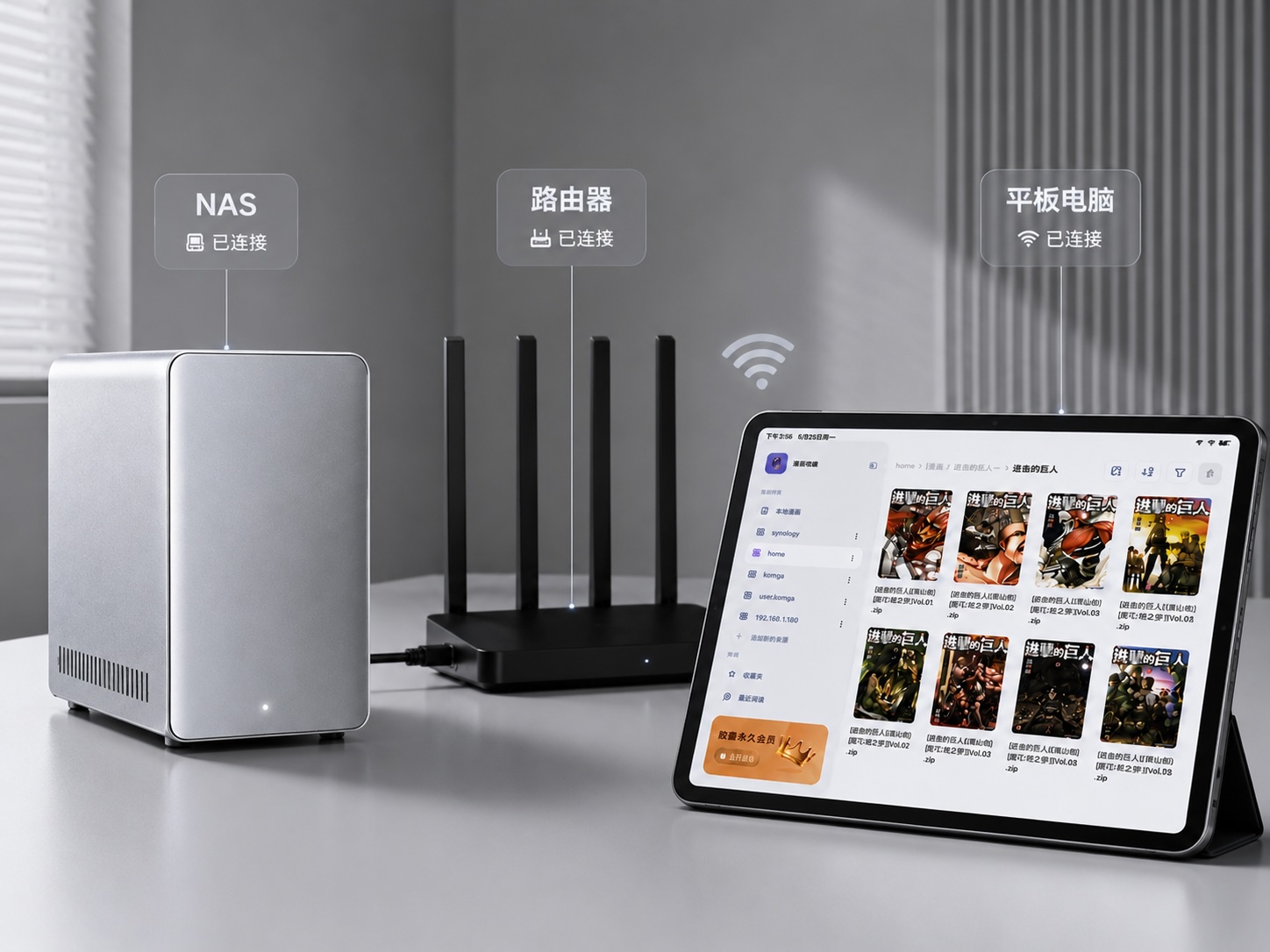
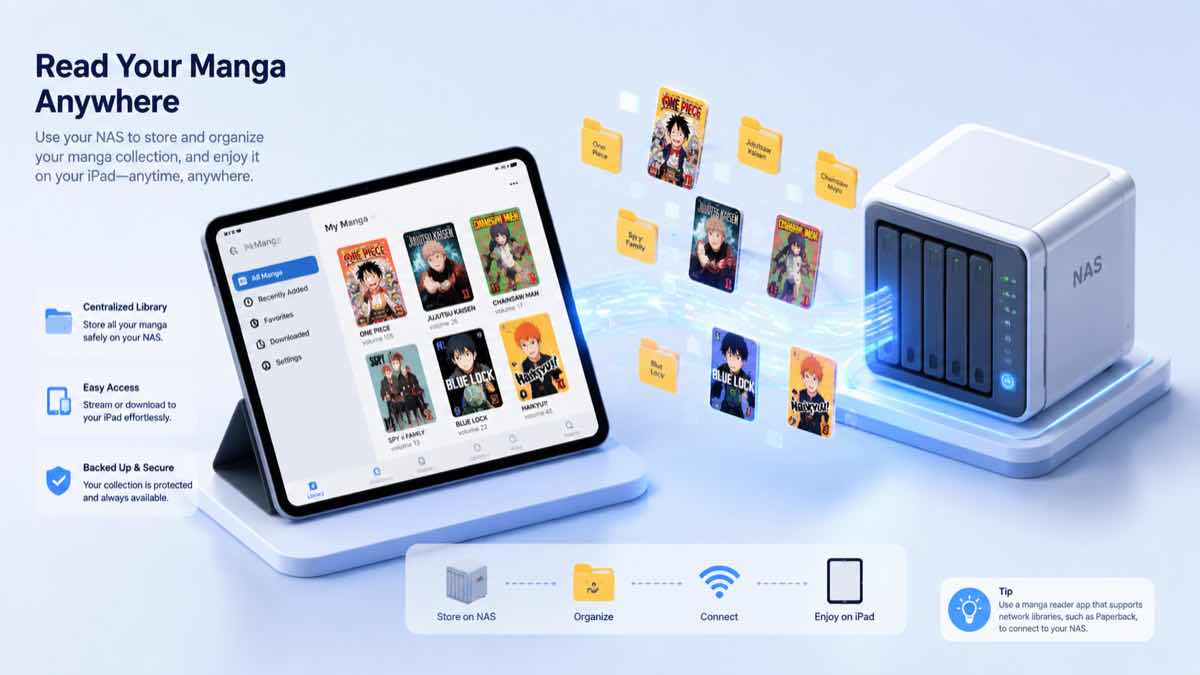
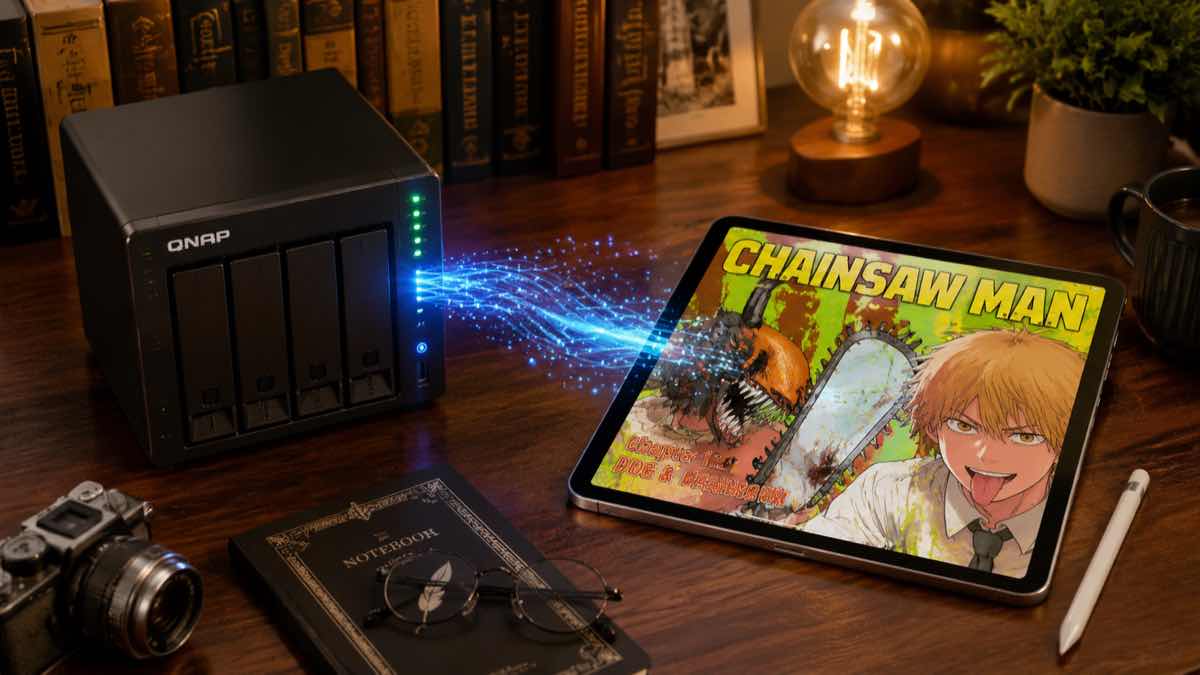
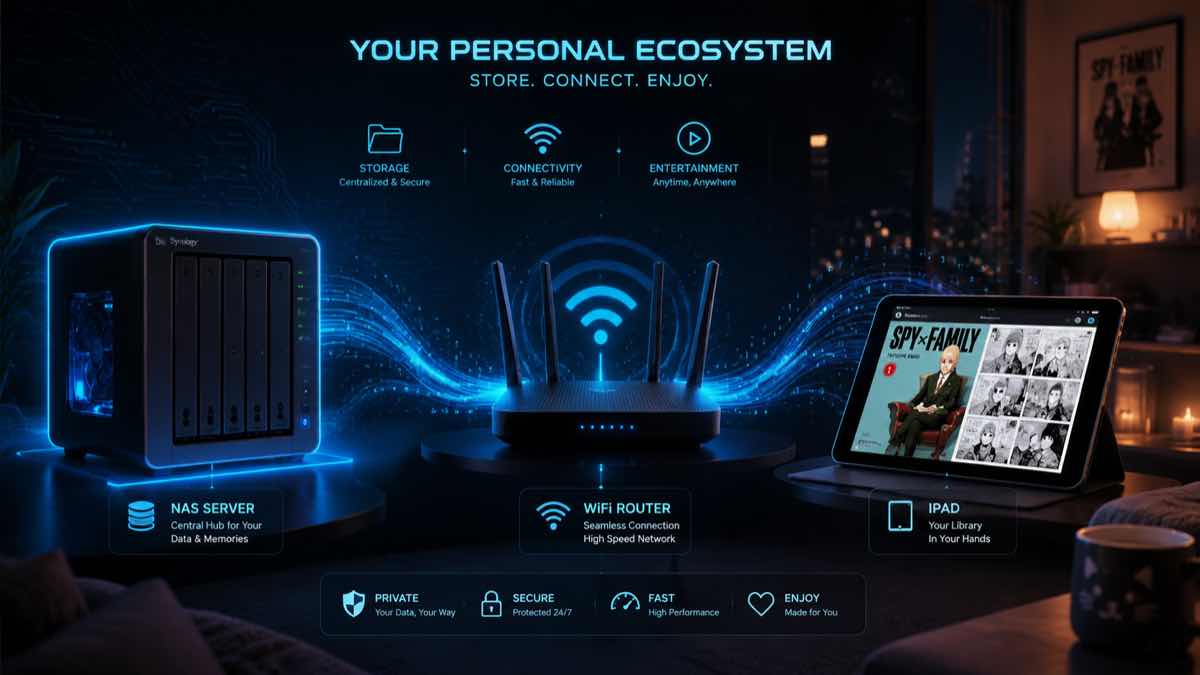
iPad + NAS manga reading tutorial covering Synology, ZSpace, FN OS, UGREEN and other major brands
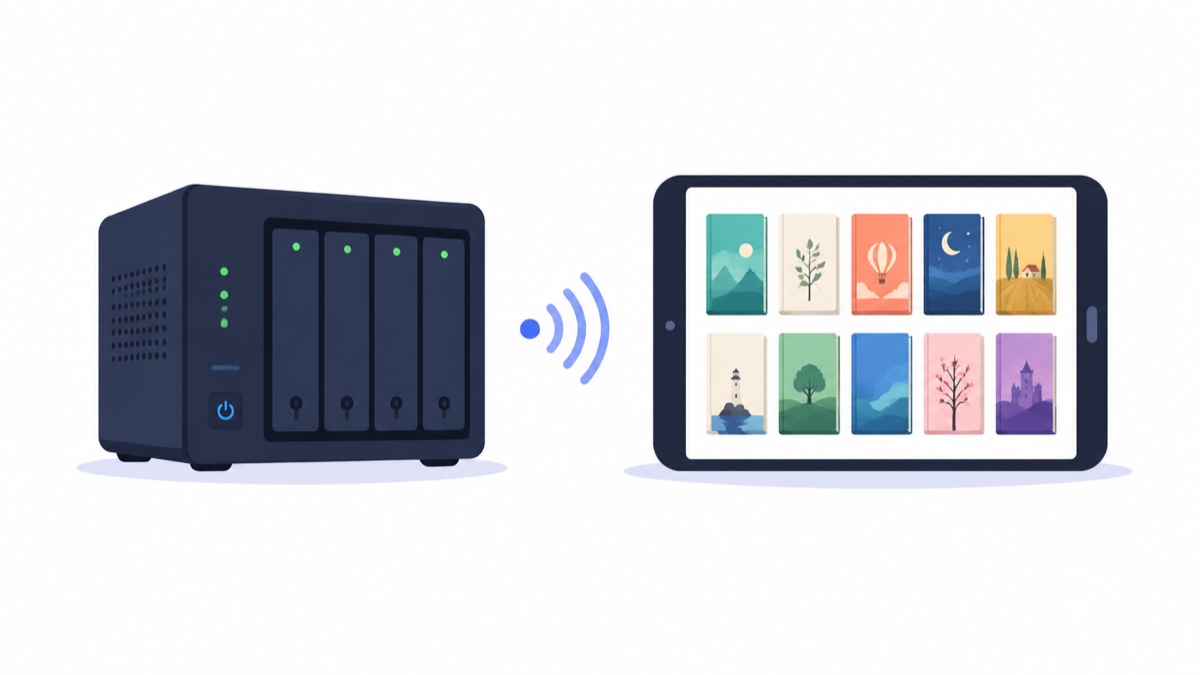
Hundreds of GB of comics on NAS, streaming directly on iPad without downloading
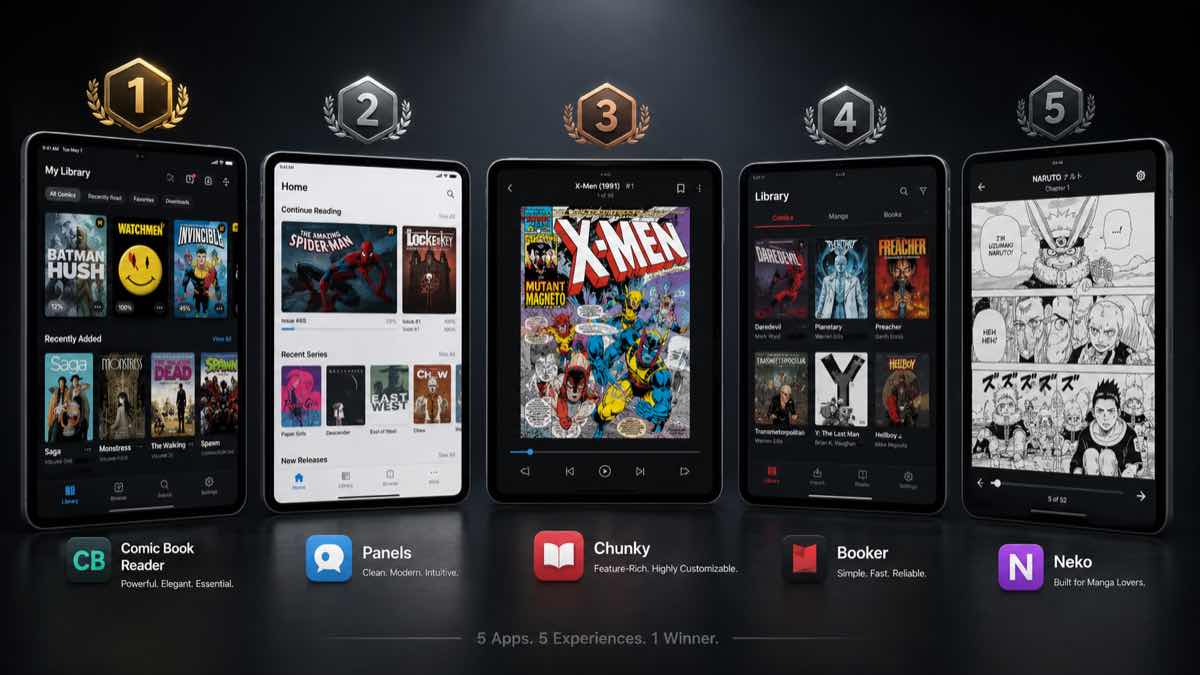
5 Local Comic App Recommendations on iOS
1.40 brings many new features~
Recently got hooked on '凡人修仙' (Ren Xian Xian Xiu), but still managed to push out an update...
Recent feature updates and bug fixes
Recent wave of feature updates and bug fixes
2026, Brand New Comic Reader Software Recommendations for iOS
Manga Capsule's 2025 Summary
Comic Import Tutorial
New version is live, exciting new features! Welcome to follow~
New version released, something big is happening. Follow us~
Common Causes of File Corruption
After six months of refinement, we've brought you a brand new streaming reading engine and AI image enhancement technology. This article provides an in-depth analysis of the underlying technical implementation.
Design language is not just a UI specification; it's the soul of the product. Exploring the thinking behind Manga Capsule's unique design aesthetics.
Contact information
Synology, QNAP, ZSpace... Step-by-step guide to turn your home NAS into a portable cloud manga library.
A comprehensive guide to acquiring manga resources, including recommended software, resource formats, reading devices, and usage insights from various resource sites.
One-time purchase or subscription? This is the ultimate question every utility app developer must face.