How to Read 123 Cloud Drive Manga on iPad/iPhone? Direct Read Mount Tutorial (2026)

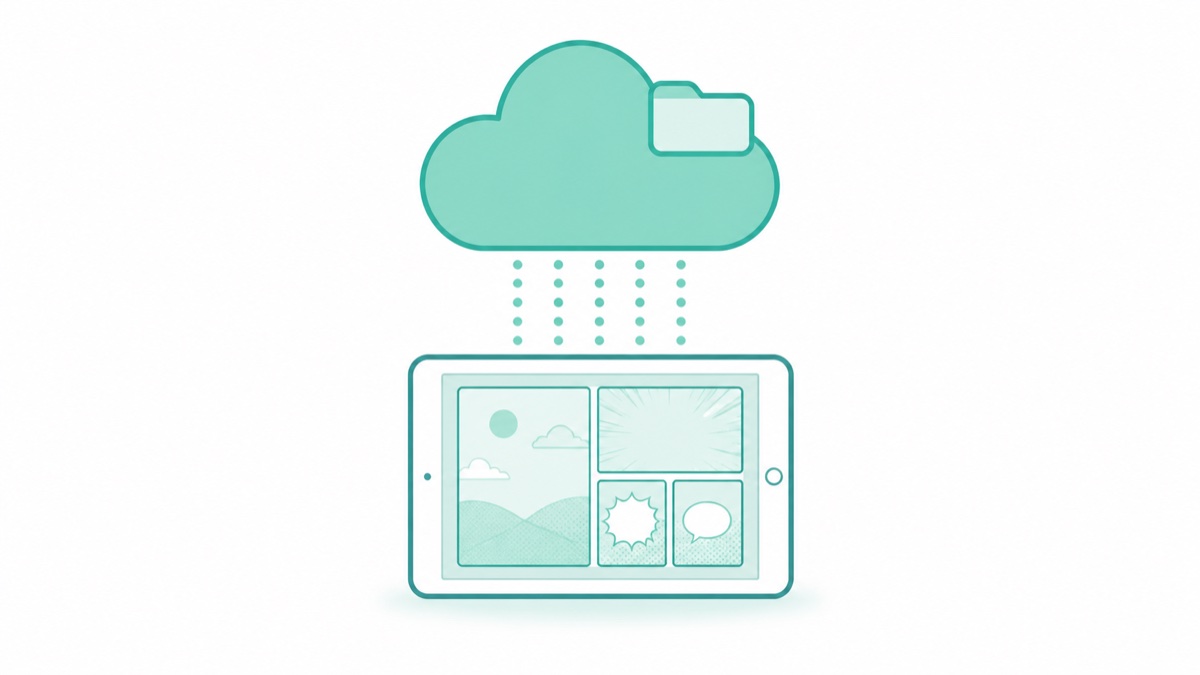
How to Read 123 Cloud Drive Manga on iPad/iPhone? Direct Read Mount Tutorial
Starting from the June 2026 version, Manga Capsule supports 123 Cloud Drive mounting! After authorizing login in the app, ZIP/CBZ/PDF manga files in your cloud drive are directly mapped to your bookshelf, enabling streaming reading without downloading to local storage.
Over the past two years, 123 Cloud Drive has attracted many users seeking free, unlimited storage for resource sharing, with manga resources increasingly using this platform. However, like other cloud drives, reading manga in the official app is quite uncomfortable—archives can't be uncompressed online, and images can't be flipped through continuously. For a comfortable reading experience, pairing with a mounting-supported reader is still necessary.
Operation Steps
- Download "Manga Capsule" from App Store
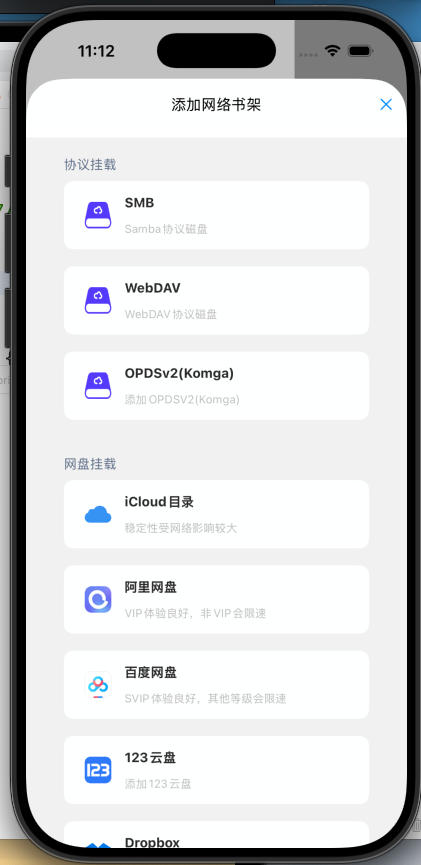
- On the bookshelf page sidebar, add network bookshelf → select "123 Cloud Drive" → authorize login
- Browse cloud directory, manga files automatically generate cover wall, open to read
The experience is consistent with Alibaba Cloud Drive/Baidu Netdisk mounting, supporting streaming loading for certain formats (no need to wait for entire file download), page pre-fetching, automatic progress recording, and long-press to cache for offline reading.
EPUB format and ZIP archives have the best support—these two formats are highly recommended. ZIP supports placing images inside, but not nesting EPUB/PDF inside ZIP. These resources are already compressed, so there's no need to wrap them in ZIP again.
Why Cloud Drive Users Should Pair with a Direct Read Reader
The typical manga storage chain is: collect resources → upload to cloud drive → get stuck when wanting to read. The stuck reasons are basically three:
- Insufficient phone storage—a full series can be tens of GB, filling up iPad after download
- Slow downloads—especially with large archives, waiting half an hour before reading
- Have to delete after reading—deleting means re-downloading next time you want to revisit
The direct read solution solves all three problems at once: files always stay in the cloud, local device only caches the pages being read. Hundreds of GB of manga library in the cloud, actual iPad usage under 2 GB. More reading means larger cache, but clearing it is simple.
Supported Formats
Supported formats include ZIP/CBZ, RAR/CBR, PDF, comic EPUB, MOBI and AZW3. RAR/CBR downloads and extracts before reading; 7z is not in the current supported import list. Some PDF sources also download first.
EPUB format and ZIP archives have the best support—these two formats are highly recommended. ZIP supports placing images inside, but not nesting EPUB/PDF inside ZIP.
FAQ
Q: Can free 123 Cloud Drive accounts use direct read? A: Yes, free accounts are generally sufficient; but for streaming loading with larger manga, paid plans offer faster speed and better experience.
Q: Compared to Alibaba Cloud Drive and Baidu Netdisk, which do you recommend for storing manga? A: It depends on where your resources are when both are supported. For newly collected resources where you have a choice, Alibaba Cloud Drive and 123 Cloud Drive offer better free speed experience; existing libraries on Baidu Netdisk don't need to be moved, just mount directly. Multiple cloud drives can be mounted simultaneously.
Q: Is it safe? A: Authorization goes through 123 Cloud Drive's official API—the app doesn't handle your account credentials; manga files aren't uploaded to any third-party servers, reading history only exists on your own device and iCloud.
📥 Download Manga Capsule from App Store
🔗 Related Reading:
Pro requirement: Network shelves and streaming require Pro. The app offers monthly, yearly and lifetime options at regional prices. Cloud-provider fees or speed limits are separate.