How to Read Manga from Aliyun Drive? iPad/iPhone Direct Reading Tutorial Without Downloading (2026)

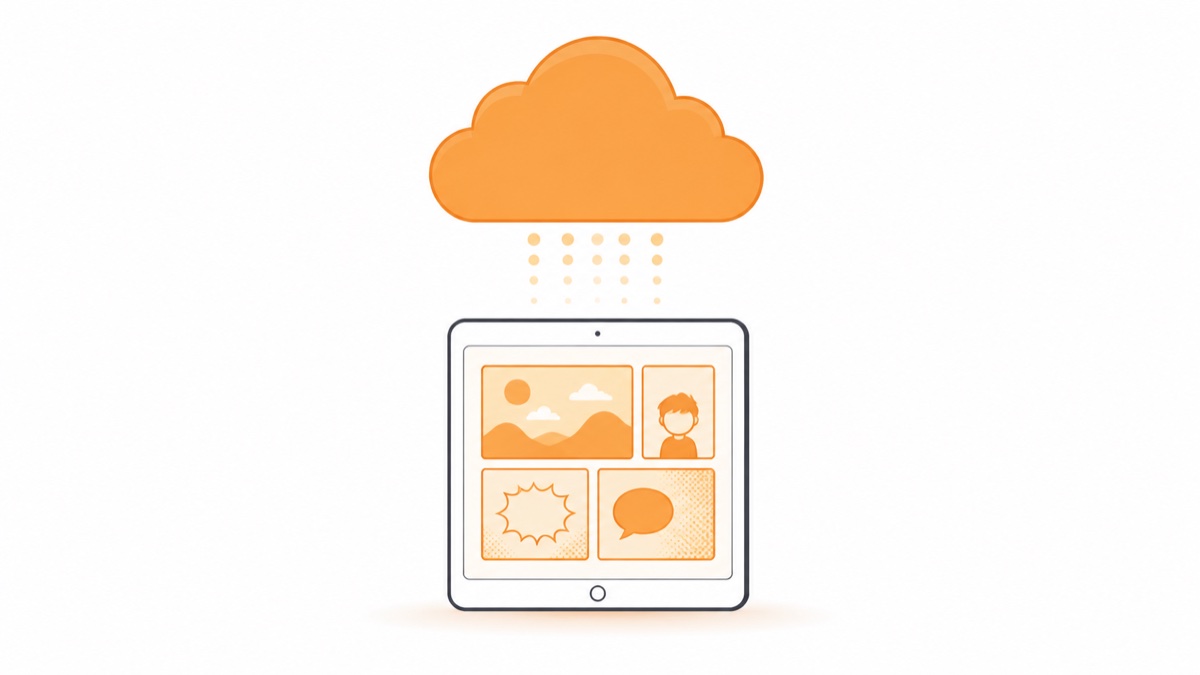
How to Read Manga from Aliyun Drive? iPad/iPhone Direct Reading Tutorial Without Downloading
In Manga Capsule, authorize your Aliyun Drive account from Add Network Shelf, then browse its folders. Compatible archives can load on demand, while RAR/CBR and PDFs from this source download before reading. Caches and downloads use local storage.
Cloud-provider storage quotas, access rules and speed policies can change. A dedicated comic reader adds reading direction, saved progress and layout controls; check your current provider plan for any separate limits or charges.
Operation Steps
- Download Manga Capsule from the App Store
- On the bookshelf page sidebar, add network bookshelf → Aliyun Drive → log in with Aliyun Drive phone number & verification code
- After authorization, browse the cloud drive directory, manga files automatically generate covers, tap to read directly
Opening time depends on the file, provider and connection. Test a representative CBZ and a download-first format before relying on the setup.
Some Details Specific to Aliyun Drive
- No worries about many files in a folder: A library with thousands of files in one folder can load completely (we specifically optimized this in version 1.41)
- Both backup drive and resource drive supported: Files from both spaces can be browsed
- Supported comic formats: ZIP/CBZ, RAR/CBR, PDF, EPUB, MOBI and AZW3. RAR/CBR requires download and extraction; PDF here downloads first. 7z is not in the current import list.
- Want offline: Long-press to select the book, use Download, wait for completion and test the local copy with networking off.
Choosing a cloud source
Use the service where your library already lives. Before moving a collection, compare your current storage quota, access permissions and real download speed with a typical volume. Provider fees and speed limits are separate from Manga Capsule Pro. We have not measured Aliyun Drive against Baidu Netdisk in a controlled test.
FAQ
Q: Can Aliyun Drive official App directly read manga compressed packages? A: No. The official app can only download compressed packages, cannot decompress online for continuous reading. Third-party reader mounting is required.
Q: Is the authorization safe? A: It uses the official Aliyun Drive open platform QR code authorization. The app only gets a file access token, cannot obtain account credentials, and you can cancel authorization anytime in the Aliyun Drive app.
Q: Will it consume my "third-party权益包" or incur charges? A: Third-party mounting uses Aliyun Drive open platform interfaces, free quotas are generally sufficient for personal reading scenarios; specific entitlement rules follow Aliyun Drive official descriptions.
Q: Does it support iPad and iPhone progress sync? A: Yes, reading progress syncs automatically under the same account, half read on iPad on the sofa, continue on iPhone in bed.
📥 Download Manga Capsule from App Store
🔗 Related Reading:
Pro requirement: Network shelves and streaming require Pro. The app offers monthly, yearly and lifetime options at regional prices. Cloud-provider fees or speed limits are separate.