Is There Tachiyomi on iOS? Manga Reading Solutions After Switching from Android to iPhone/iPad (2026)

Is There Tachiyomi on iOS? Manga Reading Solutions After Switching from Android to iPhone/iPad
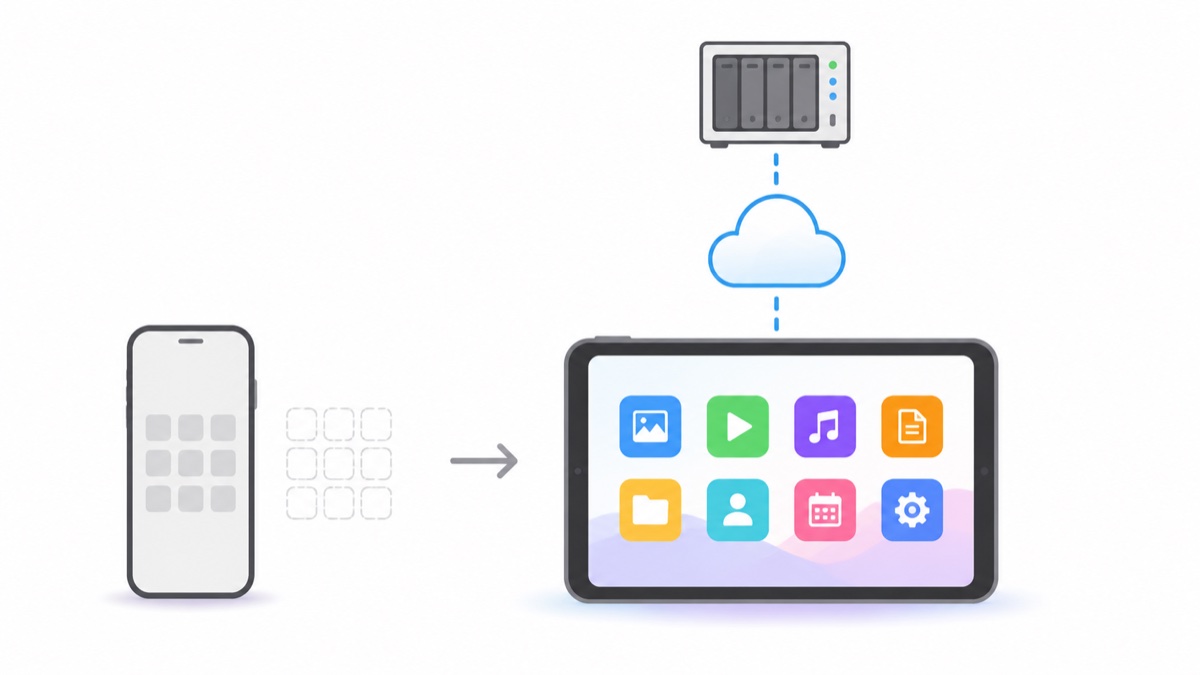
Manga Capsule is a reader for your own comic files. It does not reproduce Mihon's source-extension system or provide a built-in manga catalog. If you are moving an existing DRM-free collection to iPhone or iPad, file import or an NAS shelf is a practical route.
Understand the different workflow
A source-based Android reader and a local-library iOS reader solve different tasks. App availability, distribution methods and source support can change; check each project's current documentation rather than assuming all iOS alternatives have the same limitations. This guide focuses on files you already have permission to read.
Change Your Approach: Library in the Cloud, Reading on iOS
The mature migration path for Android users moving to iOS looks like this:
- Resource acquisition on the server side: Continue using your familiar methods on PC/NAS to gather resources (downloaders, RSS feeds, or even Tachiyomi itself with batch download/export)
- Store files on NAS or cloud storage: Organize by title, store ZIP/CBZ files as-is
- Mount and read directly on iOS: Use a reader that supports WebDAV/SMB/cloud storage mounting (like "Manga Capsule" that I developed), map your library to a bookshelf, and stream on demand
Honestly, this solution has its pros and cons compared to Tachiyomi:
| Dimension | Tachiyomi (Android) | Local Library + Manga Capsule (iOS) |
|---|---|---|
| Online tracking | ✅ Core feature | ❌ You handle it yourself |
| Resource stability | Sources often go down | ✅ Files are in your hands |
| Image quality | Depends on source | ✅ Depends on what you download, AI upscaling available |
| Webtoon experience | Good | ✅ Auto-detection + seamless stitching |
| Large library management | Local to device | ✅ Centralized on NAS, multi-device sync |
| Long-term reliability | Depends on open-source community | ✅ Your files are yours, switching apps won't lose them |
The core difference is ownership: In Tachiyomi mode, your library is essentially a collection of online source references — when sources go down, your books disappear. In local library mode, files are your asset. Switch phones today, switch readers tomorrow, your library remains. Collectors eventually all end up on this path.
Migration Cheat Sheet for Tachiyomi Users
- Chapters already downloaded in Tachiyomi are in the
Tachiyomi/downloadsdirectory on Android — copy the whole folder to NAS and you can keep reading - If you have heavy ongoing series needs, keep a spare Android device/emulator dedicated to downloading, and let iOS handle the comfortable reading only
- Bookmarks and reading progress can't migrate across ecosystems — you'll have to start fresh
FAQ
Q: Can Paperback/Aidoku still be used now? A: They can be installed, but require self-signing or TestFlight access. Third-party sources frequently go offline, especially Chinese sources. Can be a supplement, but not recommended as your main solution.
Q: Does Manga Capsule have online manga sources? A: No, and it never will. It's a pure local/self-hosted cloud file reader — that's why it can stay safely on the App Store, and why your library won't evaporate overnight.
Q: Don't want to deal with NAS at all, can I just use cloud storage? A: Absolutely. Aliyun Drive/Baidu Netdisk/123 Cloud Drive mounting works nearly identically to NAS. See the Cloud Drive Direct Read Tutorial.
📥 App Store Download Manga Capsule
🔗 Related Reading: