Which Manga Format Should You Choose? 7 Formats Explained in One Article

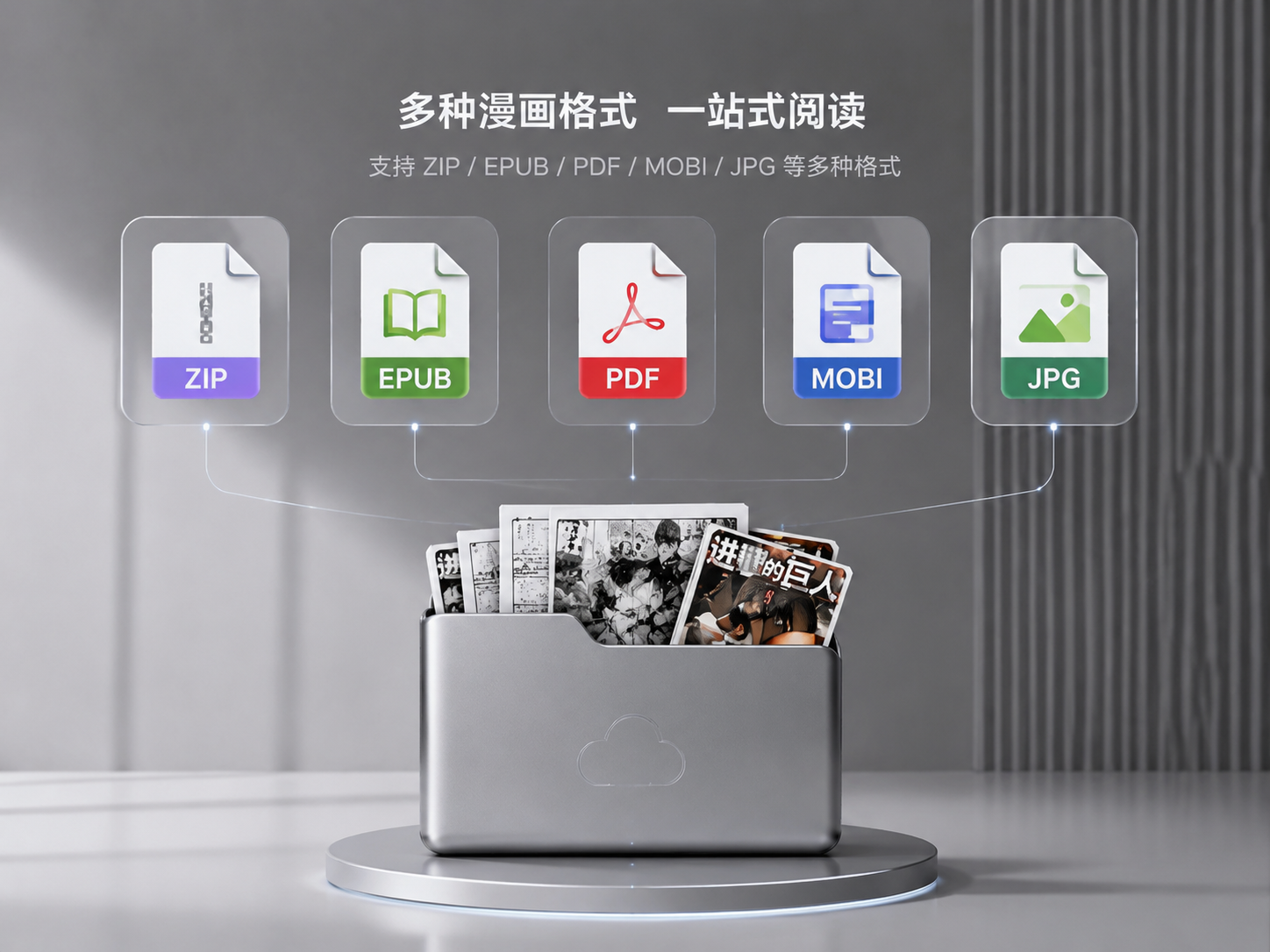
I've been building a manga reader for two years and have dealt with all kinds of formats. People often ask me: the same manga comes in ZIP, EPUB, and PDF — which one should I download? Let me clear that up once and for all.
Here's the conclusion upfront.
I recommend prioritizing EPUB, MOBI, ZIP, and CBZ. PDF is usable but offers mediocre experience. Try to avoid RAR, CBR, 7Z, JPG folders, and PNG folders.
Now for the reasons.
EPUB and MOBI are the best manga formats, no contest.
These two formats are essentially e-book specifications. Page order is controlled by code, and each page's position is fixed — there's no risk of pages getting out of order. Plus, the resources themselves are usually high quality, with covers processed separately, making your library look great. Loading is fast, and they support streaming — just tap and read.
When I collect manga, if I have a choice between EPUB and ZIP for the same work, I go with EPUB without hesitation. The file might be slightly larger, but the reading experience is unbeatable.
ZIP is the second-tier choice.
ZIP is essentially a compressed package containing images arranged in order. The format is simple and transparent, and readers process it very quickly. It also supports streaming. Plus, ZIP is a universal format — not just readers can open it, but any decompression software on your computer, making management convenient.
CBZ is essentially just ZIP with a different extension. Previously, to distinguish regular archives from manga resources, foreigners changed the ZIP extension to CBZ. This way, when a reader sees CBZ, it knows it's manga and can automatically load the manga reading mode. So CBZ is the same as ZIP — feel free to download it.
MOBI is similar to EPUB — it's also an e-book specification, with the advantage of usually high resource quality and well-processed covers. However, MOBI is primarily Amazon's Kindle format, and its support on iOS readers isn't as widespread as EPUB. Few readers can perfectly support both MOBI and EPUB.
Now let's talk about PDF.
PDF is a love-it-or-hate-it format. It's universal — any device can open it, and the layout won't break. But that's also the problem. PDF was designed for printing, not screen reading.
The essence of a manga PDF is that each page is rendered as a fixed image. The reader can't optimize it at all. This leads to several issues. First, rendering is resource-intensive — the same image that opens instantly in ZIP takes several times longer in PDF. Second, when doing AI upscaling, it eats up a lot of memory and battery because you need to parse the PDF structure, extract the images, then run the model. Third, resource quality varies wildly — some scanned versions have extremely low resolution, while others are absurdly large.
For text-based documents, PDF is still the top choice. But for manga, unless PDF is your only option, I wouldn't recommend making it your primary format.
Now for the not-recommended formats.
RAR is an ancient compression format. Newer manga resources rarely use RAR anymore. The problem with RAR is that its compression algorithm is closed-source, making it less efficient for readers to parse than ZIP. Some resources are also password-protected, adding to theextra steps. Streaming support on RAR is also not as good as ZIP.
CBR is just RAR with a different extension, same as CBZ/ZIP. The drawbacks are the same.
7Z is rarely used in the manga community. It has high compression but slow decompression, and reader compatibility is just okay.
The least recommended are JPG folders and PNG folders. That's when you have an entire folder scattered with dozens or hundreds of images. When this format displays on a reader's shelf, each image is treated as a book, filling the shelf with thumbnails — it's an eyesore. Plus, folders have no metadata, so readers can't know any information beyond filenames, making sorting and cover identification difficult. Management is also cumbersome — hundreds of images scattered in one folder, like a photo gallery. If you want batch operations, you're out of luck.
To summarize: when looking for resources, prioritize EPUB and MOBI. If you can't find those, go for ZIP and CBZ. Only consider PDF if there's nothing else. Try to avoid RAR, CBR, 7Z, and JPG/PNG folders.
Of course, Manga Capsule supports all these formats, so whatever you download can be opened. But the resource quality itself determines 80% of the reading experience. Choosing the right format still saves a lot of trouble.
Next time, let's talk about where to find manga resources and how to judge their quality. Follow along if you're interested.