Keda vs Manga Capsule: Compare iPad Comic Readers for Your Library

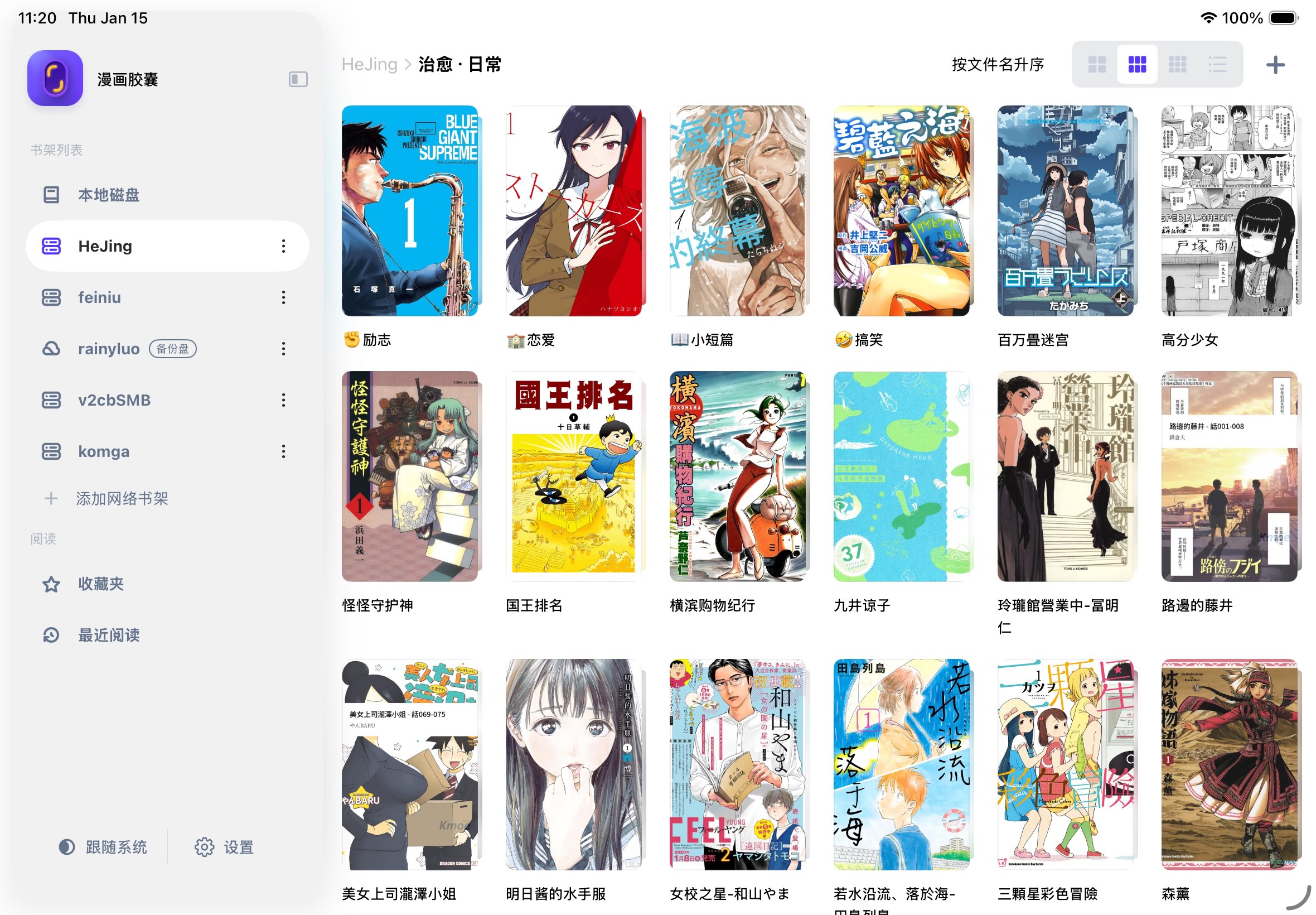
Keda and Manga Capsule both support NAS connections and streaming workflows. Choosing between them depends on your archives, connection protocol, reading controls and device. It cannot be reduced to a table that incorrectly labels Keda as download-only.
This comparison is written by Manga Capsule's development team. Updated October 13, 2026. Keda's capabilities below are based on its official documentation; Manga Capsule's import and connection limits were checked against the current implementation. We have not measured the two apps side by side, and subjective design preferences are not performance evidence.
What the documentation establishes
| Question | Keda | Manga Capsule |
|---|---|---|
| Can it connect through SMB/WebDAV? | Yes, described on its official site | Yes, available in Add Network Shelf |
| Can it read without always downloading the whole book first? | Yes, its official site describes streaming | Compatible CBZ/ZIP and server combinations can load page data on demand |
| Does it support EPUB? | Documented in developer release notes | Supported comic EPUB import |
| What about CBZ/CBR/PDF? | Documented supported formats | Supported, with download/extraction required for CBR/RAR |
| Does a network book consume zero device storage? | Do not infer this from the word streaming | No; caches and download-first formats use local space |
| What about price, ratings and trial limits? | Check your current storefront and app | Check your current storefront and app |
Manga Capsule allows five local books per week for free. Network shelves and streaming require Pro; monthly, yearly and lifetime options use your regional StoreKit prices.
Sources: Keda official site and Keda developer changelog. The changelog also describes PDF streaming and several cloud connections. Older statements on this blog that Keda lacked streaming or EPUB support were incorrect.
Manga Capsule's workflow and limits
Manga Capsule offers SMB, WebDAV and OPDS(Komga) network shelves, plus iCloud Drive and Dropbox in its current source menu. Its file import accepts CBZ/ZIP, CBR/RAR, PDF, EPUB, MOBI and AZW3, and supported page images. 7z/CB7 is not in its current supported import list. Native Google Drive mounting is not currently offered in the source menu. A file downloaded through another provider can still be imported using the system picker if its format is supported.
For a compatible remote CBZ/ZIP, page data can load on demand. For RAR/CBR, the app downloads and extracts before reading. Mounted iCloud files also download first; PDFs from some cloud sources or needing local parsing do too. Server behavior and the archive affect loading, so we cannot promise every remote file opens immediately.
Manga Capsule also provides reading direction, spread handling, cropping, vertical layouts and on-device image enhancement. These are reasons to test it with a low-resolution scan or long comic, rather than proof that another reader lacks equivalent tools. Enhancement results vary; try a page with text and fine line work before enabling it for every book.
Use your own collection to make the choice
Choose a normal CBZ, a CBR and a PDF. Include an EPUB if that format matters to you. Connect both apps to the same NAS folder with the same account and WiFi. Check:
- Are pages complete and correctly ordered?
- Does a spread work in both portrait and landscape?
- Can you set your preferred reading direction and return to your place?
- Does the remote file stream, or must it download before opening?
- Can you download a complete copy and read it offline?
- Which relevant features need payment in your storefront?
If you time the test, record first opening separately from reopening a cached file, together with device, app version, archive size and connection protocol. Without these details, a claim that one reader is faster has little value.
If Keda already fits your files and habits, documentation alone gives no reason to replace it. If you want to evaluate Manga Capsule's folder workflow, OPDS option or image controls, try it with that same collection. For other alternatives, see our five-reader comparison.
Download Manga Capsule · Set up an iPad NAS shelf · Open CBZ/CBR files