
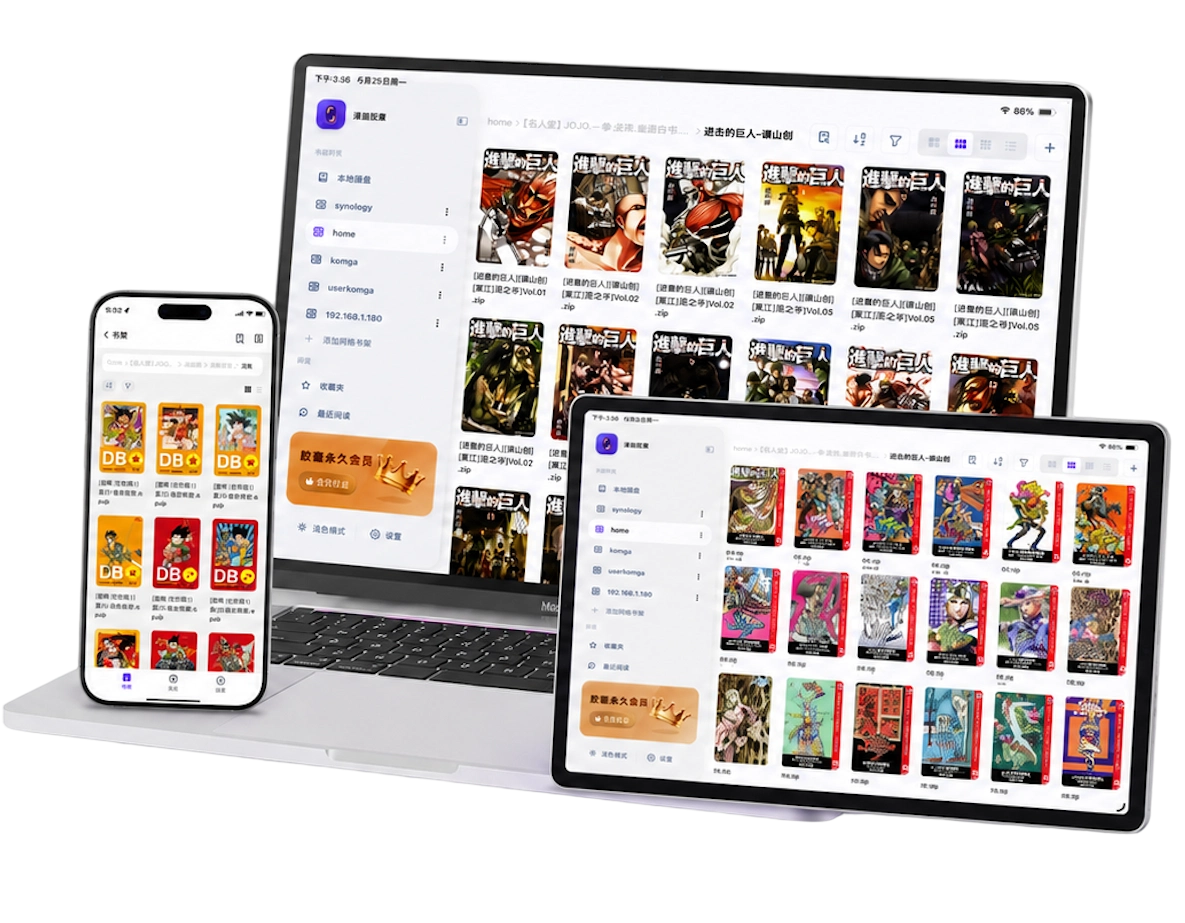
Set vertical comics to top-to-bottom reading
The pauses, spacing and reveals in a webtoon depend on moving down the artwork. A tall image squeezed into a whole-screen horizontal page can make the lettering too small and interrupt that sequence.
In Manga Capsule, open a chapter, go to reading settings, and choose Top to Bottom with Scroll. Long-image detection can select the vertical layout automatically; if the result does not suit the file, adjust it manually. Ordinary page comics can also use scrolling, but their original panel sequence still matters.
Start in portrait on iPhone. On iPad, try Narrow Scroll if a full-width strip makes the artwork or text too large at your viewing distance. Change one setting at a time and check a chapter you know well.
Use the iPad comic reader guide for print-style manga and two-page layouts. For imported vertical comics, the file's shape matters more than whether it is labeled webtoon, manhwa or manga.
Understand the gaps between images
Webtoon chapters are often stored as a sequence of image slices. A continuous reader can display those slices together, but not every visible gap has the same cause:
- Reader spacing or rendering: the app may leave a boundary between images. Manga Capsule has dedicated handling for vertical comics and continuous joins.
- Blank pixels inside the images: the gap belongs to the source file. White-margin cropping may help, but inspect the artwork before applying it.
- Different image widths or missing slices: the source needs correction. A reader cannot reconstruct an absent panel.
- Intentional spacing: a blank interval can be part of the author's pacing. Removing every white area may change the reading experience.
Open a sample slice in an image viewer when you cannot tell where the gap comes from. If the blank area is already there, changing the page-turn mode alone will not remove it.
You do not need to merge all slices into one huge image before importing. Keep them in order in a ZIP/CBZ or an image folder, then use the vertical reader. The webtoon gap tutorial explains the settings; results still depend on the source file.
Read PDF webtoons with the right settings
A PDF chapter can contain tall pages, short image slices, or ordinary scanned print pages. These need different treatment. Manga Capsule supports PDF webtoon scrolling and long-page handling, but a PDF extension alone does not identify the layout.
- Choose top-to-bottom scrolling for artwork designed as a vertical strip.
- Inspect the page boundaries. If repeated blank borders come from the PDF, try white-margin cropping and check that captions remain visible.
- Use wide-image splitting only for actual two-page scans. It is not a general fix for vertical comic gaps.
- Check a later part of the chapter. Different page sizes or unusual PDF structure may affect rendering even when the first page looks correct.
See PDF white-margin settings and splitting scanned spreads for these separate cases.
For offline reading, import the complete PDF locally. PDFs on supported cloud drives download before reading; compatible PDFs on a direct NAS share may load remotely, while encrypted or incompatible files can require a full download. Do not assume every PDF uses the same loading path.
Organize and import your chapters
One file or folder per episode makes progress easier to follow. Use a consistent sequence such as Series Name/Chapter 001.cbz, Chapter 002.cbz and Chapter 003.cbz. Inside an image archive, number the slices in their intended reading order.
To import, tap + → Import File for a ZIP/CBZ or PDF, or Import Folder for a chapter's images. WiFi Transfer is useful when the files are on your computer. Wait for the transfer to finish, open the episode, and choose the vertical layout. Follow the local import tutorial for the full steps.
Keep current chapters locally if you read on the train or away from home. For a large archive, a Pro NAS shelf can keep the main collection off the device. Compatible ZIP/CBZ files can load remotely; CBR/RAR downloads and extracts first. A connected shelf still needs network access and uses cache.
Before travelling, open your saved chapters with networking disabled. Seeing a remote cover or previously reading a few slices does not guarantee the whole episode is offline.
Frequently asked questions
Is this the WEBTOON app, or does it include a webtoon catalog?
No. Manga Capsule is an independent file reader. It reads compatible chapters you already have; it does not sign in to WEBTOON, unlock a publisher's episodes, or supply a comic catalog.
Do I need to stitch image slices together first?
No. Use an ordered image folder or a ZIP/CBZ containing the slices. Continuous scrolling handles the reading sequence, while source gaps and inconsistent widths may still need attention.
Can I read webtoons offline for free?
Yes, with fully imported local files, within the 5-books-per-week free allowance. Pro removes that limit and includes network features. If each episode is a separate book, it counts as a separate book in the allowance. Check available plans and prices in the app.
Why did a regular comic open in vertical mode?
Long-image detection can be imperfect. Change the reading direction and mode manually when the original artwork suits page turns. Use the local comic guide for the other controls.