
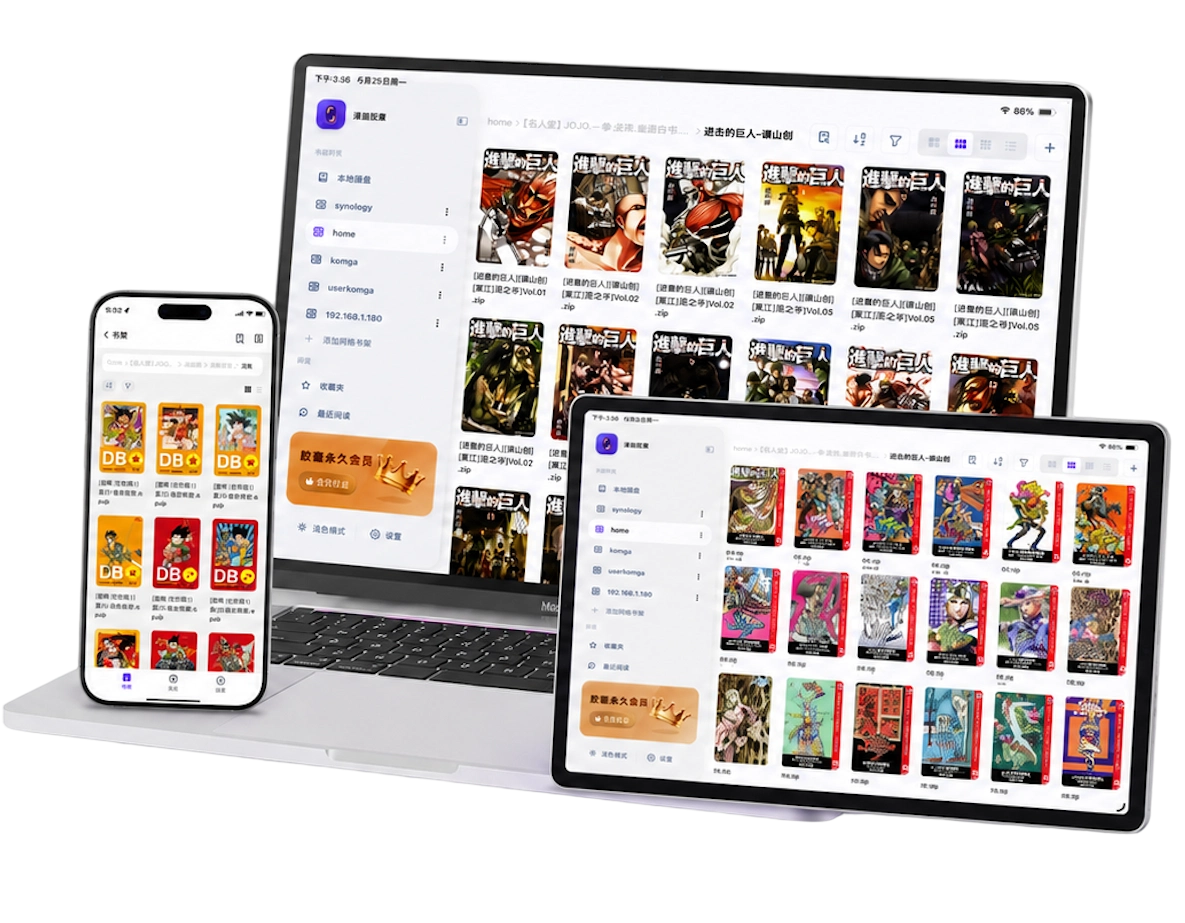
What are CBZ and CBR files?
CBZ is a ZIP archive used for comics; CBR is a RAR archive used for comics. Inside, you will usually find page images. The comic extension tells a reader how you intend to use the archive; it does not add a new compression method.
Consistent image filenames make page order clearer. For example, 001.jpg, 002.jpg and 003.jpg are easier to maintain than a mixture of page numbers, dates and unrelated image names. A cover image may appear first, followed by the reading pages.
ZIP and RAR are different containers. Renaming volume.cbr to volume.zip does not turn it into a ZIP archive. To convert it, extract the images with a tool that supports RAR, then create a new ZIP archive. If the original CBR already opens, conversion is unnecessary.
Manga Capsule supports both CBZ/ZIP and CBR/RAR. It also reads compatible PDF, EPUB, MOBI, AZW3 and image files, so you can use one bookshelf for a mixed collection. The local comic guide explains the other formats.
Open a comic on iPhone or iPad
- Install Manga Capsule.
- Save the complete CBZ or CBR file in Files, iCloud Drive, or another location available through the system file picker.
- On the bookshelf, tap + → Import File and select the comic. Wait for cloud download or transfer to finish.
- Open the book from local storage. A CBR needs extraction before the pages appear; allow enough free storage for the extracted images.
- Choose the reading direction, check the first few pages, and adjust page or scroll mode to match the artwork.
You can also use WiFi Transfer from a computer or USB file sharing through Finder. See the local import tutorial for those methods, and CBZ/CBR on iPhone and iPad for a detailed walkthrough.
Reading from a NAS works differently. With Pro, compatible remote CBZ files can load as you read. Remote CBR/RAR files download and extract locally first. A large CBR can therefore take longer to open and use more storage than a similar CBZ. The NAS guide describes connection and format limits.
If the file will not open, check these things
Start with the file and transfer before changing reader settings:
- Is it the complete archive? Compare its size with the original and confirm the download finished. A shortcut, web page or shared link is not the comic file.
- Can your computer extract it? If extraction fails there too, the download may be damaged or incomplete. Get a fresh copy from the original source.
- Is it encrypted or split into parts? Some encrypted ZIP files can prompt for a password in the app, but archive encryption methods differ. If yours fails, extract it with a compatible tool and import the images or a standard CBZ. Assemble multipart archives on a computer first.
- Are the page images inside another archive? Extract the outer package and import the actual comic file. Renaming an unrelated document to
.cbzcannot make it a comic archive. - Is there enough storage? CBR/RAR extraction needs space beyond the archive itself. Remove expendable cache or other files if the device is nearly full.
If only the page order is wrong, inspect the image names instead of redownloading repeatedly. The file troubleshooting guide covers transfer and format failures.
Make archive comics comfortable to read
Set right-to-left for manga created for that direction and left-to-right for comics created for it. For tall webtoon images, use top-to-bottom scrolling; see the webtoon guide.
On iPad, try landscape two-page view for print-style books. On a phone or portrait iPad, a scan containing two printed pages may be easier with wide-image splitting. If two separate images form one spread, merge next page instead. These settings address different layouts; use the spread tutorial to choose.
Margin cropping can enlarge art surrounded by blank borders. Check that captions and speech bubbles survive the crop. None of these adjustments requires converting a readable CBZ or CBR to PDF first.
Frequently asked questions
Can I open a ZIP without renaming it to CBZ?
Yes. Manga Capsule recognizes compatible ZIP archives containing comic images. CBZ is a useful label, but the images and archive structure determine what the reader can display.
Can I read CBR offline?
Yes, when the archive is fully saved locally and extraction has completed. Open it before going offline to confirm it works. A CBR listed on a NAS shelf is not yet an offline copy.
Is CBZ or CBR support free?
Local reading uses the free allowance of 5 books per week. Pro removes that limit and adds network shelves and streaming. View the available plans and regional prices in the app.
Should I convert CBZ to PDF?
Usually no. Manga Capsule already treats a supported archive as ordered comic pages. Conversion adds another step and may change image quality depending on the tool; keep the original if it opens correctly.