
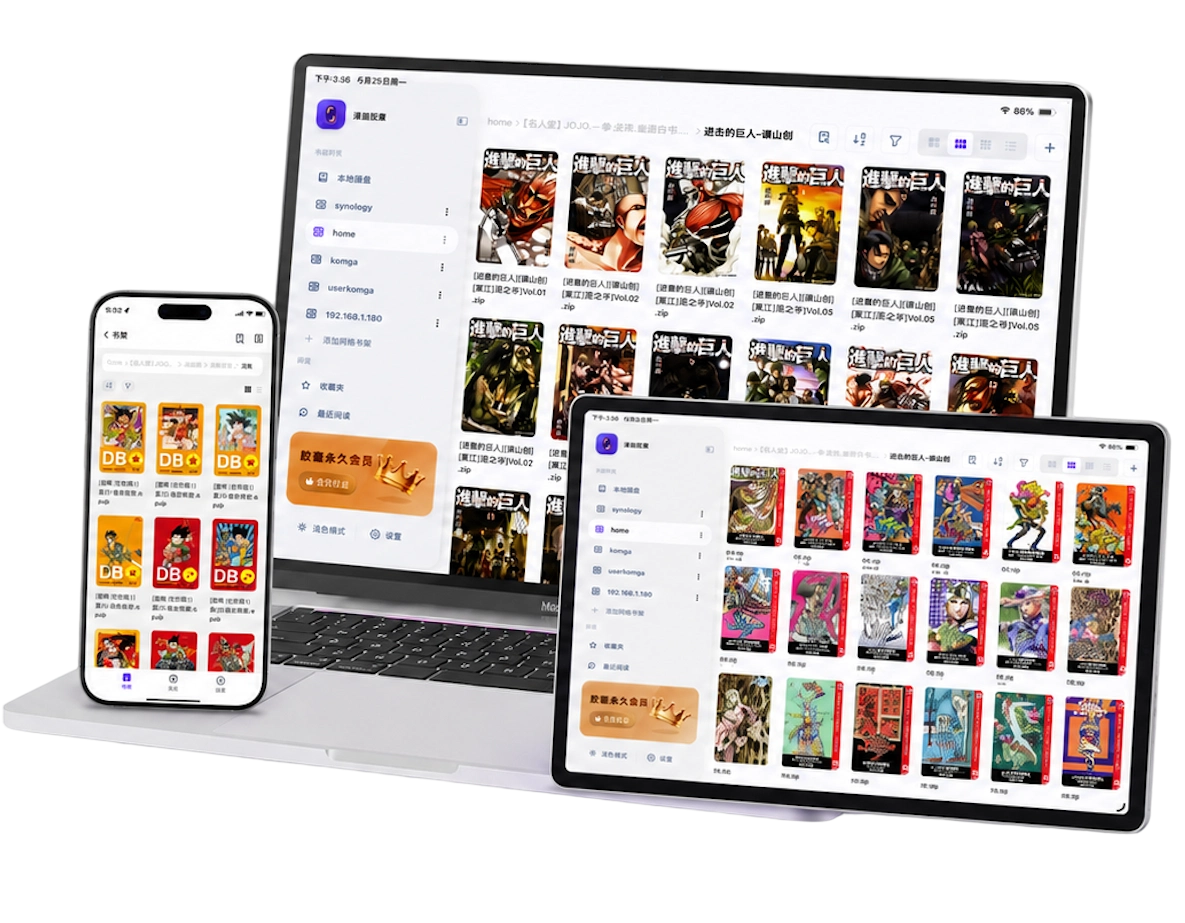
Check the format before importing
Manga Capsule reads CBZ/ZIP, CBR/RAR, PDF, EPUB, MOBI, AZW3 and common image files, including JPG and PNG. You can also use an image folder for a chapter. Your files must be compatible and unprotected by DRM; support for a filename extension does not guarantee that every file using it will open.
- CBZ and ZIP: usually contain ordered page images. Keep filenames consistent, such as
001.jpg,002.jpgand003.jpg. - CBR and RAR: use a different archive container. Manga Capsule extracts them before reading, even when they are already local, so leave additional storage available.
- PDF: useful for scans, but wide margins and unusually long pages can affect the display. Try cropping and the appropriate reading mode rather than immediately converting the file.
- EPUB, MOBI and AZW3: supported for compatible comic files. DRM-protected purchases are not ordinary importable files; a new filename will not make them readable.
Do not treat .7z or a multipart archive as interchangeable with a supported CBZ. Extract an unsupported package on your computer and repack the page images as a standard ZIP/CBZ, or import an image folder. The CBZ/CBR guide explains archive formats and common failures.
Import comics onto the bookshelf
Use the method that matches where the complete file lives:
- Files or iCloud Drive: on the bookshelf, tap + → Import File. Select the file in the system picker. Choose Import Folder for an organized folder. A cloud placeholder must finish downloading before the import can complete.
- A computer on the same Wi-Fi: choose + → WiFi Transfer, open the address displayed by the app in the computer's browser, and upload the files. Keep the transfer screen open until it finishes.
- USB from a Mac: connect the iPhone or iPad, select it in Finder, open the Files tab, and copy compatible files to Manga Capsule. Wait for the copy to complete before disconnecting.
- Another app: open its Share or Open In menu and choose Manga Capsule if it is offered. Share the actual archive or document, not a web link or cloud shortcut.
After importing, open the local shelf and tap a book. For a full walkthrough, use how to import and read local comics.
For a series, one folder per title and one file per volume keeps navigation manageable. For image-only chapters, one folder per chapter with numbered pages avoids mixing episodes into one reading sequence. You can keep an image folder as-is or package it as CBZ for easier transfer.
Know the difference between local, cloud and cached
Imported local files are copies saved on the device. They use iPhone or iPad storage and are the clearest choice for offline reading.
Connected cloud or NAS shelves point to files stored elsewhere. A visible cover means the book is listed, not necessarily that it has downloaded. Remote reading caches data as needed; that cache can be incomplete or cleared later.
Mounted iCloud Drive folders also differ from local import. Manga Capsule downloads their files before reading, and iCloud availability still matters when a file has not finished downloading.
Before a trip, open each book you want from local storage with Wi-Fi and cellular data disabled. Check both the start and a later page. If the book still requires a download, complete it while connected and repeat the check.
For a growing collection, use a NAS bookshelf for the main archive and keep selected books locally. Network shelves and streaming are Pro features; local reading is available within the free weekly allowance.
Tune the reading experience
Choose right-to-left for manga laid out that way, left-to-right for Western comics, or top-to-bottom scrolling for webtoons. The original layout matters more than the language on the cover.
For scanned spreads, wide-image splitting makes a two-page image easier to read in portrait. Merge next page helps when a spread was stored as two separate images. The spread tutorial explains when to use each.
For large blank borders, try white-margin cropping and check the results on a few pages. AI upscaling can help a low-resolution scan look clearer, but it cannot restore missing artwork or reliably recreate tiny text. Start with the best source file available.
On iPad, compare a single-page portrait view with a landscape two-page view. For long-strip comics, follow the webtoon reader guide. These settings make local files more comfortable without requiring you to convert the whole library.
Frequently asked questions
Is local comic reading free?
Manga Capsule offers 5 books per week for free local reading. Pro removes the weekly limit and includes network shelves, streaming and direct cloud access. Current plans and regional prices appear in the app.
Why will an imported comic not open?
Confirm the full file transferred, try opening the archive on a computer, and check whether it is password-protected, unsupported, damaged or nested inside another archive. For CBR/RAR, also check free space for extraction. See the file troubleshooting guide.
Can I read an image folder without making a CBZ?
Yes. Keep one chapter's images together and number them in order. A CBZ is useful for moving that chapter as one file, but it is not required just to organize an image folder.
Do I need to convert every book to the same format?
No. Start with the supported originals. Convert or extract only when a specific file is incompatible, rather than spending time changing files that already read correctly.